Quick answer:
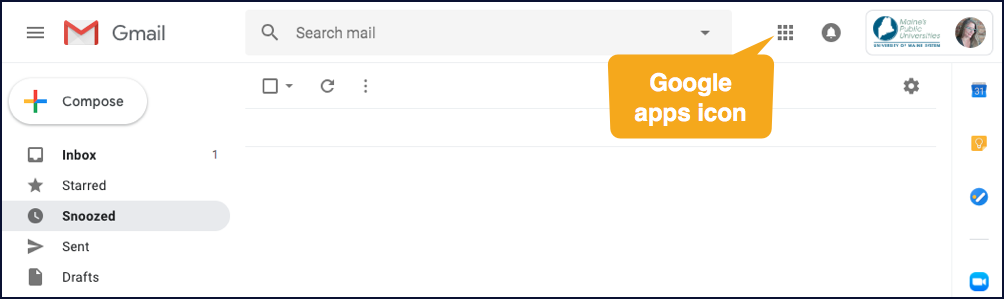
Whenever you’re logged into a Google Suite application, all of its other applications are accessible through the “waffle” icon that appears on the top-right side of the page.
Full details:
[ms_row]
[ms_column style=”1/2″ align=”left” class=”no-accordion” id=””]If you use the USM MyCampus portal to log-in and check your Maine.edu email, you’re already using Google Suite (a.k.a. G Suite) without realizing it! Our Maine.edu accounts are also Gmail accounts, which is a part of G Suite.
To access the rest of G Suite’s apps, simply click the Google apps icon at the top of your Gmail page, and a dropdown menu with links to them will be displayed. It looks like a waffle, i.e., a three-by-three grid of grey squares. You’ll see this icon at the top-right side of the page in almost all of G Suite’s apps.[/ms_column]
[ms_column style=”1/2″ align=”left” class=”” id=””]