Why are no videos showing up in my Kaltura account?
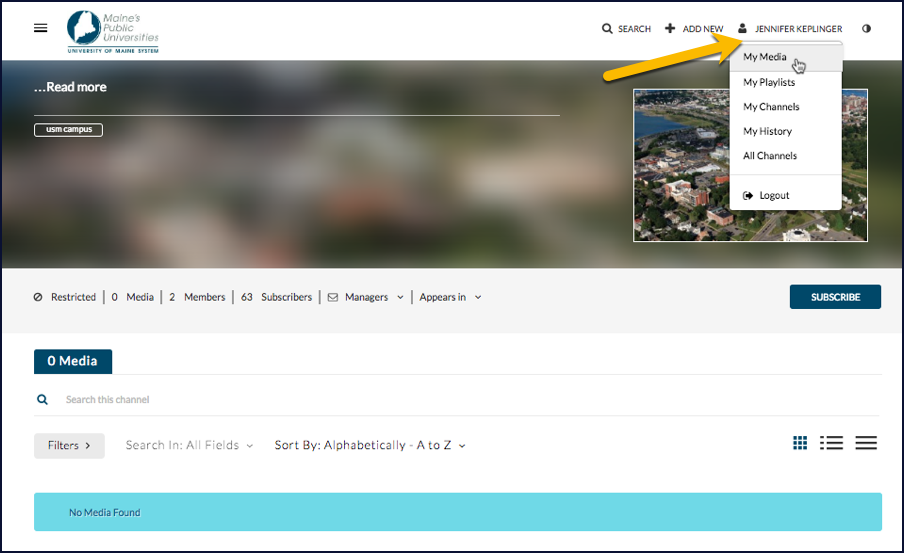
If you access Kaltura through the video.maine.edu link and click on the USM image on its homepage, you’ll see a message that no media is available. This is because you’re in the USM gallery, a spot where videos shared with everyone in the university appear, rather than your own account.
[ms_row] [ms_column style=”1/2″ align=”left” class=”” id=””]To get to your own videos in Kaltura’s website (video.maine.edu),
Click the link at the top-right side of the page that says guest (or shows your name if you’re already logged in).
Click My Media on the dropdown menu. A list of all of the videos in your Kaltura account will be displayed.
[/ms_column] [ms_column style=”1/2″ align=”left” class=”” id=””]
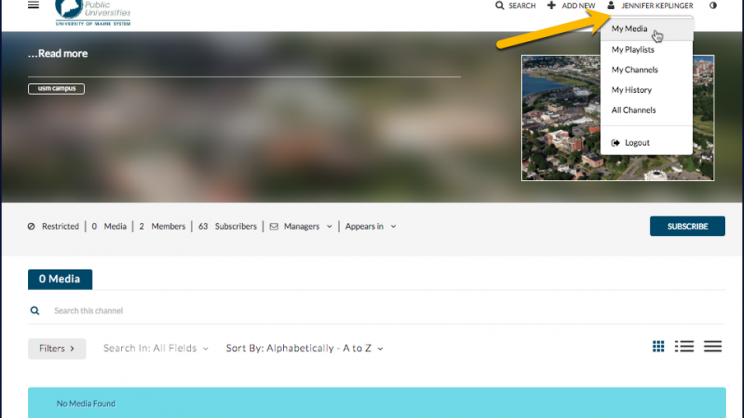
Location of the link to your videos in Kaltura
[/ms_column] [/ms_row]